
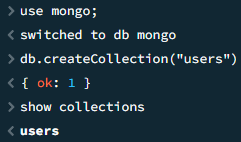
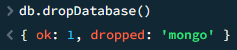
Andmebaaside loomine, kustutamine ja kasutamine
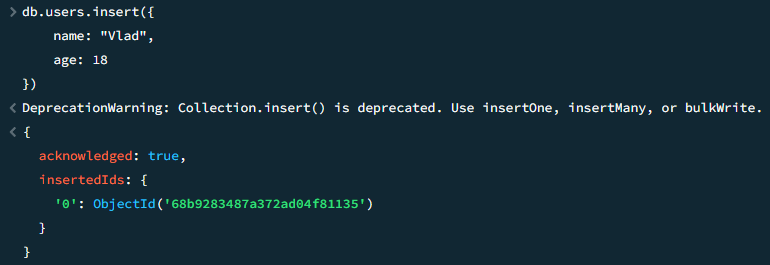
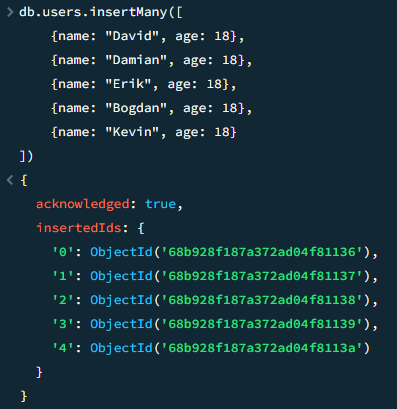
[insert] – Dokumendi lisamine kollektsiooni
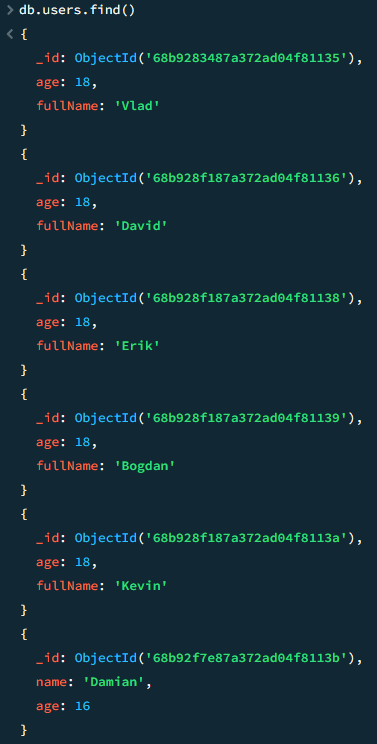
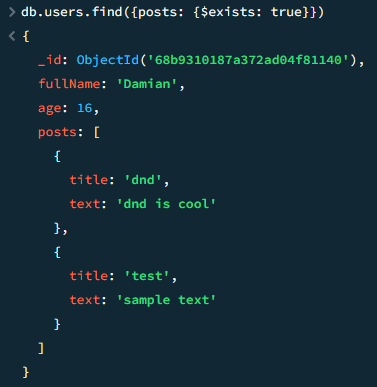
[find] – Dokumentide otsing kollektsioonis
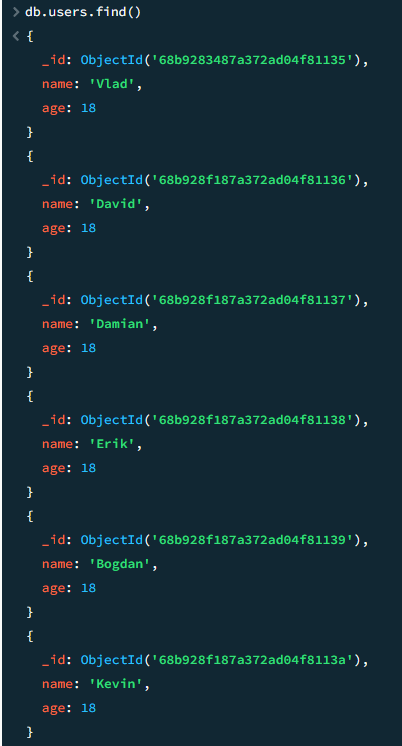
[find] – Otsing kriteeriumite järgi
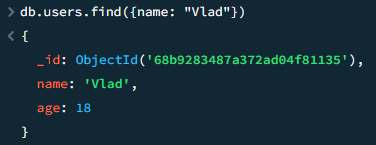
[find] – $or tingimus VÕI
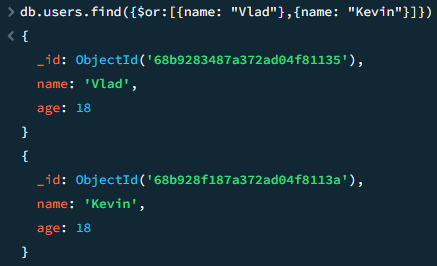
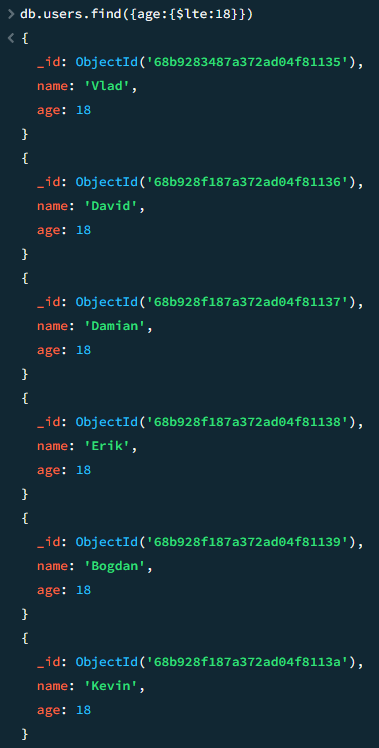
[find] – $lt, $gt, $lte, $gte, $ne, väiksem kui, suurem kui, väiksem või võrdne, suurem või võrdne, mitte võrdne
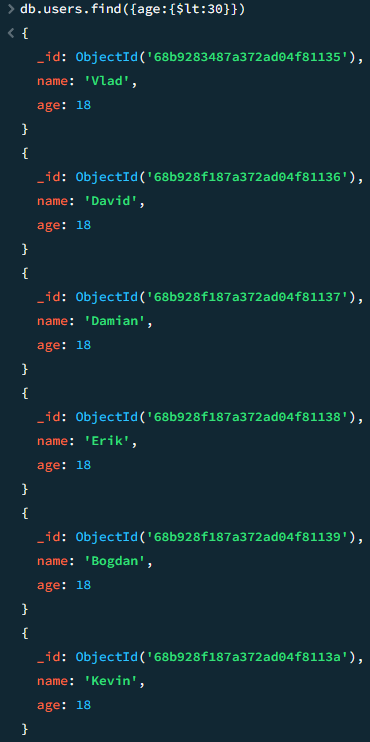

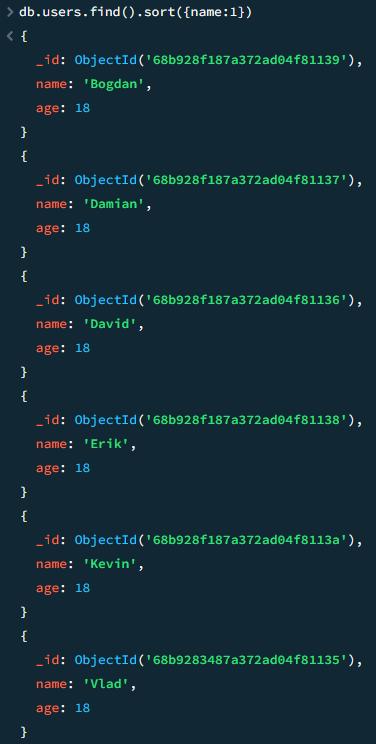
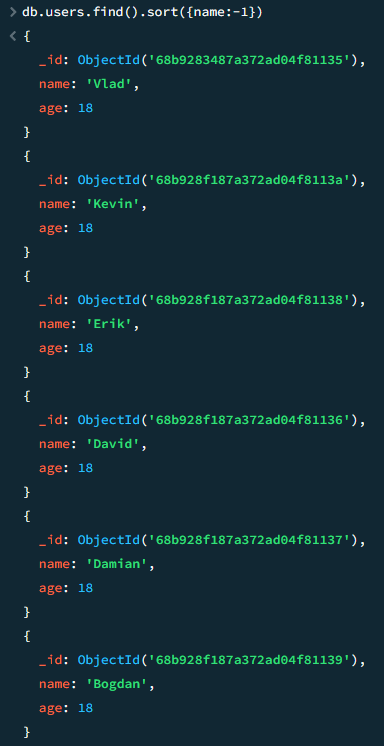
[find.sort] – Sortimine
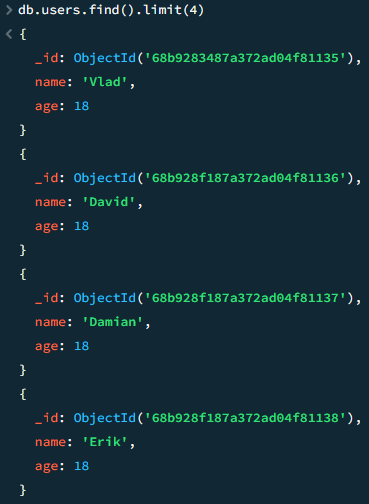
[find.limit] – Saadud dokumentide arvu piiramine
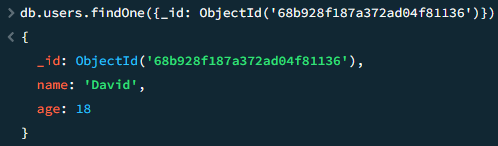
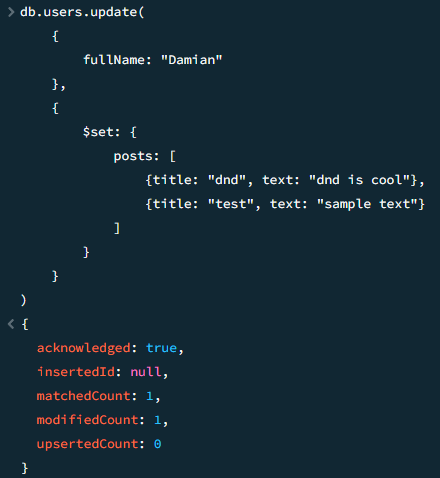
[update] – $set dokumentide uuendamine kollektsioonis
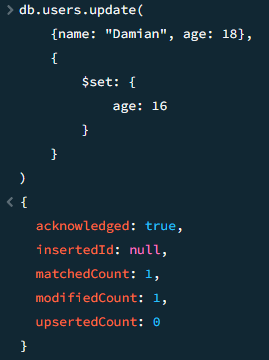
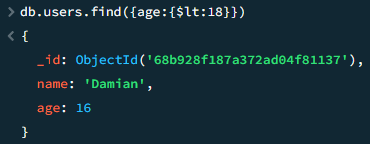
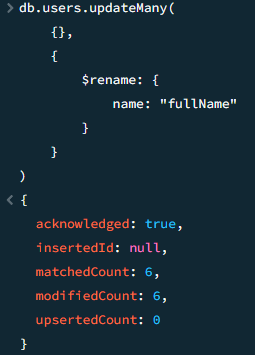
[update] – $rename dokumendi välja ümbernimetamine
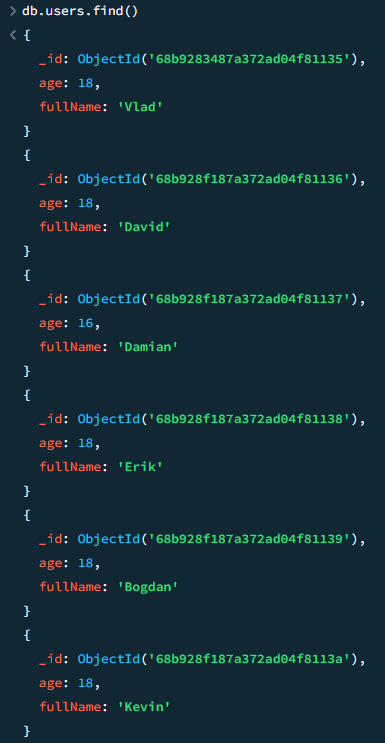
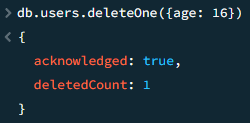
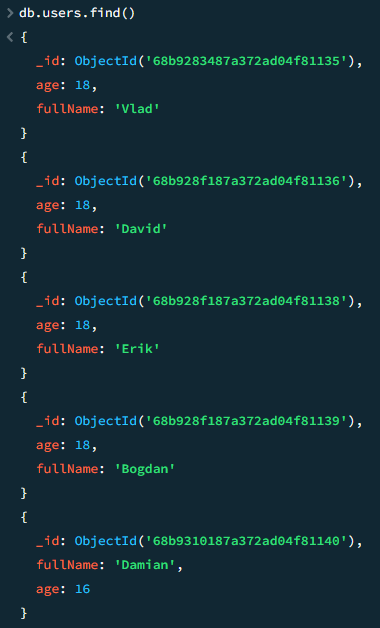
[delete] – Dokumendi kustutamine kollektsioonist

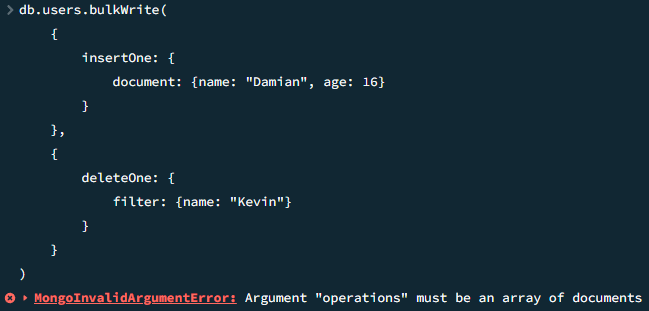
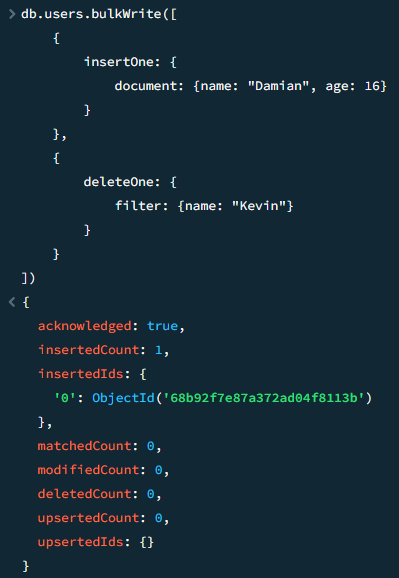
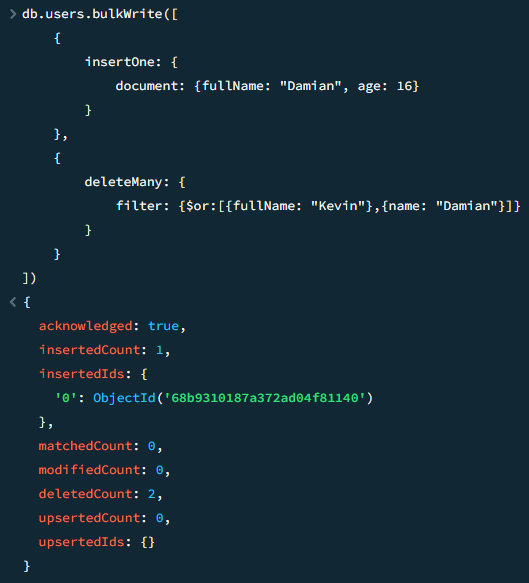
[BulkWrite] – Hulgipäring
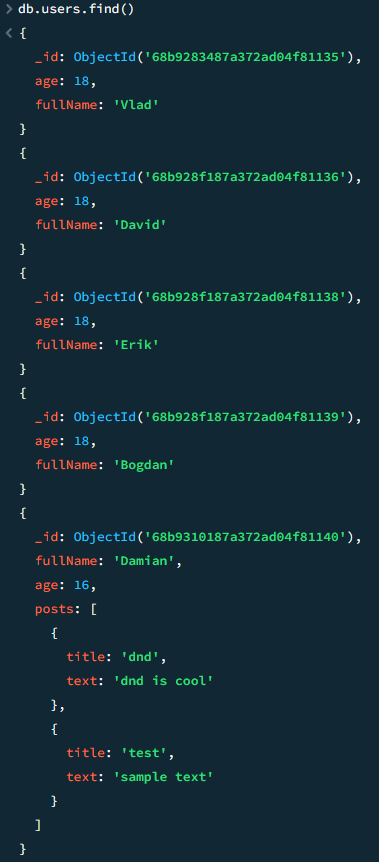
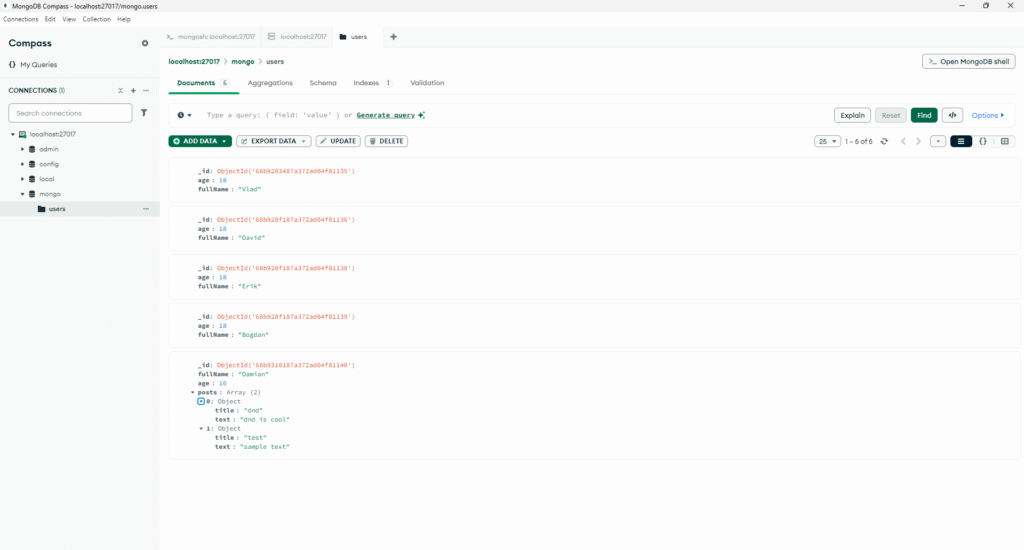
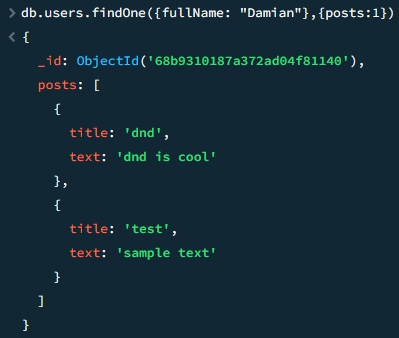
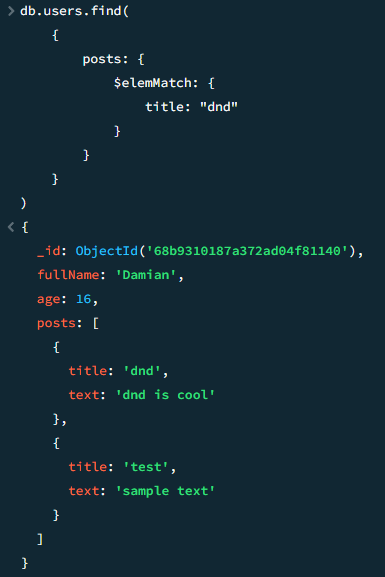
Seoste tüübid
MongoDB ühendamine Node.js-iga
JavaScript
const {MongoClient} = require('mongodb')

const client = new MongoClient('URL')

const start = async () => {
    try {
        await client.connect()
        console.log('Connected')
        await client.db().createCollection('users')
        const users = client.db().collection('users')
        await users.insertOne({name: 'Vlad', age: 18})
        const user = await users.findOne({name: 'Vlad'})
        console.log(user)
    } catch (e) {
        console.log(e)
    }
}

start()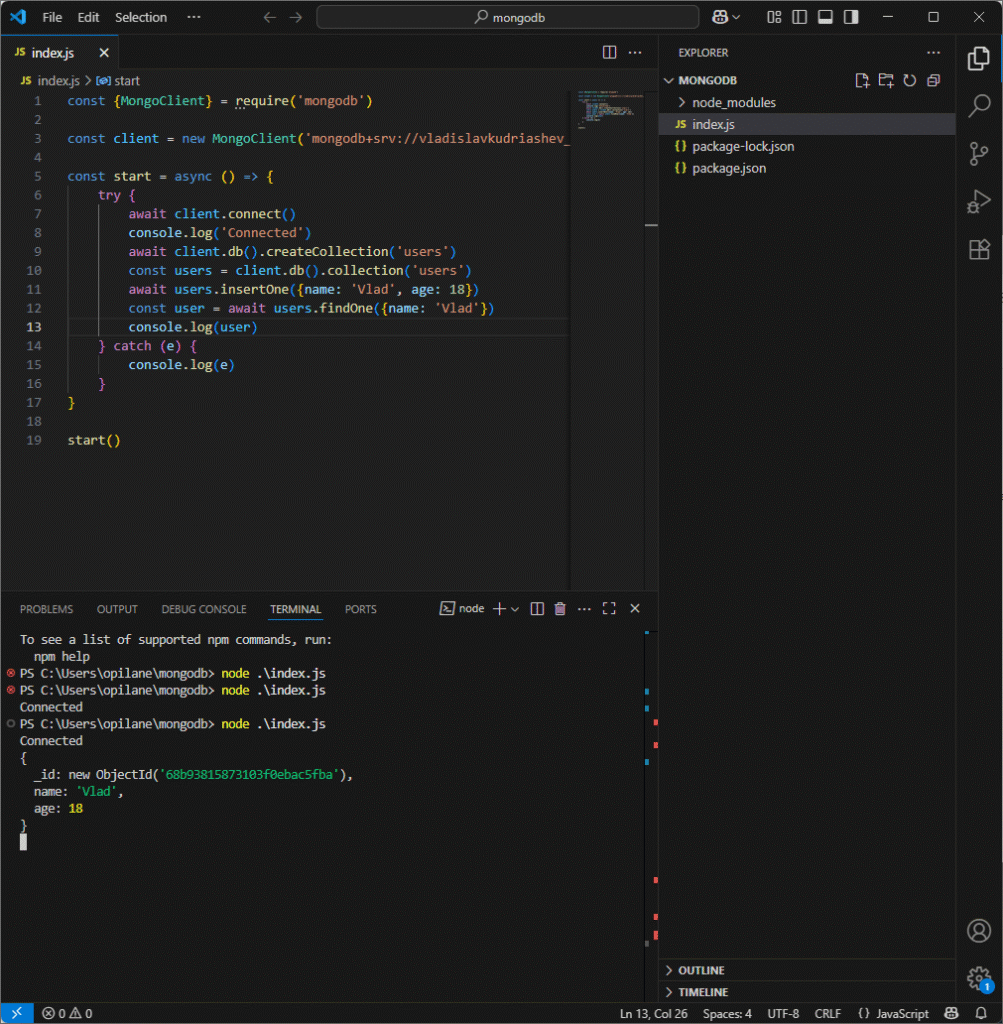
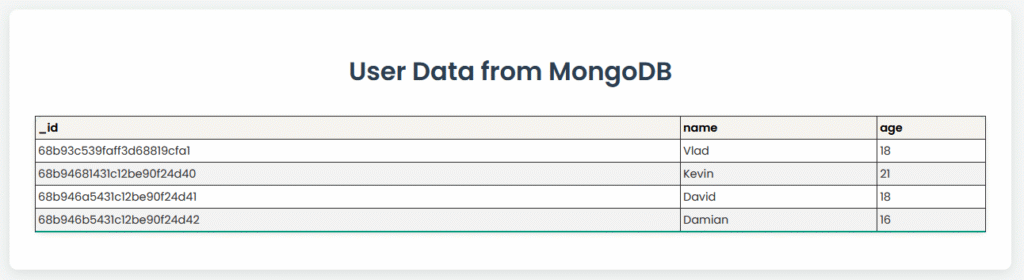
Express veebileht
JavaScript
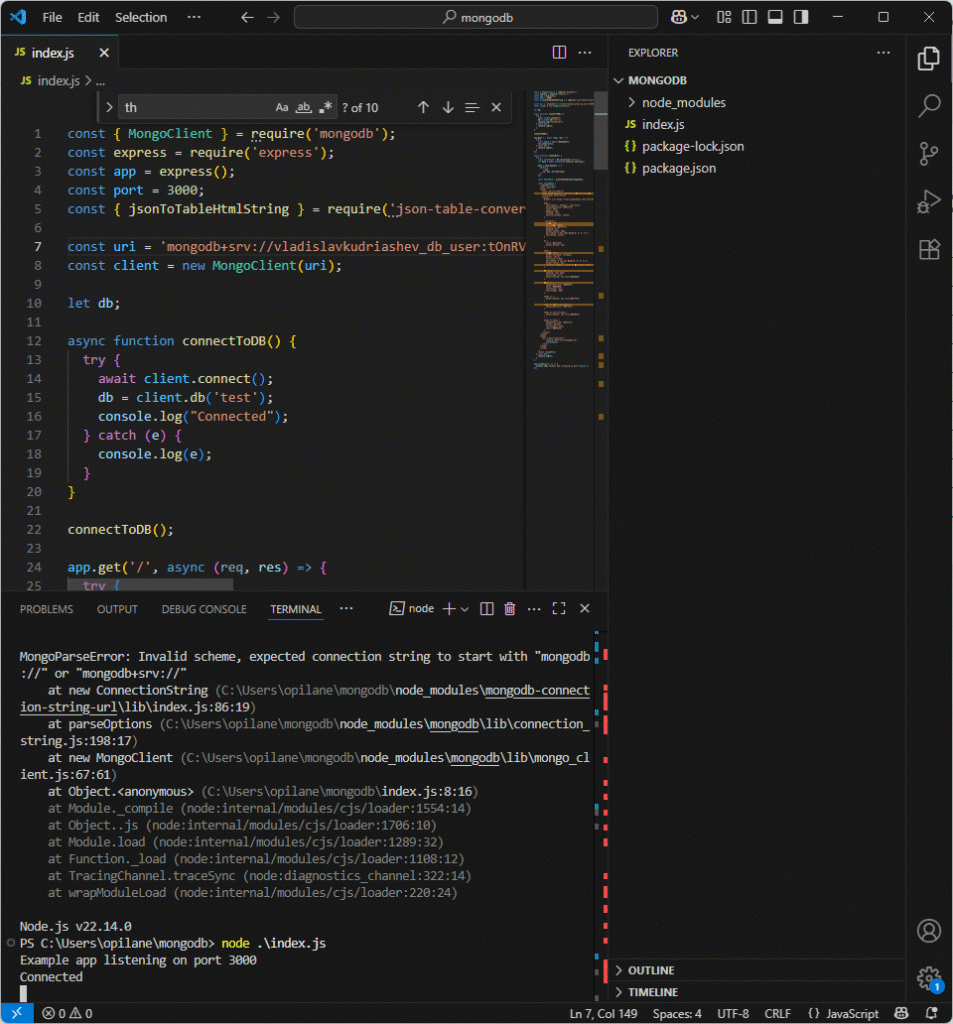
const { MongoClient } = require('mongodb');
const express = require('express');
const app = express();
const port = 3000;
const { jsonToTableHtmlString } = require('json-table-converter');

const uri = 'URL';
const client = new MongoClient(uri);

let db;

async function connectToDB() {
  try {
    await client.connect();
    db = client.db('test');
    console.log("Connected");
  } catch (e) {
    console.log(e);
  }
}

connectToDB();

app.get('/', async (req, res) => {
  try {
    const table = await showTable();
    res.send(table);
  } catch (e) {
    console.log(e);
  }
});

async function showTable() {
  try {
    const collection = db.collection('users');
    let data = await collection.find({}).toArray();

    data = data.map(doc => {
      return {
        ...doc,
        _id: doc._id.toString()
      };
    });

    const htmlTable = jsonToTableHtmlString(data);

    const styledHtml = `
      <!DOCTYPE html>
      <html lang="en">
      <head>
        <meta charset="UTF-8">
        <meta name="viewport" content="width=device-width, initial-scale=1.0">
        <title>User Data</title>
        <style>
          @import url('https://fonts.googleapis.com/css2?family=Poppins:wght@300;400;600&display=swap');

          body {
            font-family: 'Poppins', sans-serif;
            background-color: #f4f7f6;
            color: #333;
            padding: 2em;
            display: flex;
            justify-content: center;
          }

          .container {
            width: 80%;
            max-width: 1200px;
            background: #ffffff;
            padding: 2em;
            border-radius: 10px;
            box-shadow: 0 4px 15px rgba(0, 0, 0, 0.1);
            text-align: center;
          }

          h1 {
            color: #2c3e50;
            margin-bottom: 1em;
          }

          table {
            width: 100%;
            border-collapse: collapse;
            margin: 1em 0;
            font-size: 0.9em;
            box-shadow: 0 2px 5px rgba(0, 0, 0, 0.1);
            border-radius: 8px;
            overflow: hidden; /* Ensures the border-radius is applied to the table corners */
          }

          th, td {
            padding: 12px 15px;
            text-align: left;
            border-bottom: 1px solid #dddddd;
          }

          thead tr {
            background-color: #009879;
            color: #000000;
            text-align: left;
            font-weight: 600;
          }

          tbody tr {
            border-bottom: 1px solid #f3f3f3;
          }

          tbody tr:nth-of-type(even) {
            background-color: #f3f3f3;
          }

          tbody tr:last-of-type {
            border-bottom: 2px solid #009879;
          }

          tbody tr:hover {
            background-color: #f1f1f1;
            cursor: pointer;
            font-weight: bold;
            color: #009879;
          }
        </style>
      </head>
      <body>
        <div class="container">
            <h1>User Data from MongoDB</h1>
            ${htmlTable}
        </div>
      </body>
      </html>
    `;
    return styledHtml;
  } catch (e) {
    console.log(e);
  }
}

app.listen(port, () => {
  console.log(`Example app listening on port ${port}`);
});